ASIC Annual Review Checklist for Multi-Entity Groups
An ASIC annual review checklist helps Australian companies confirm three core obligations after receiving an annual statement: pay the annual review fee, check and update company details, and pass a solvency resolution unless an applicable financial report has been lodged with ASIC in the past 12 months.
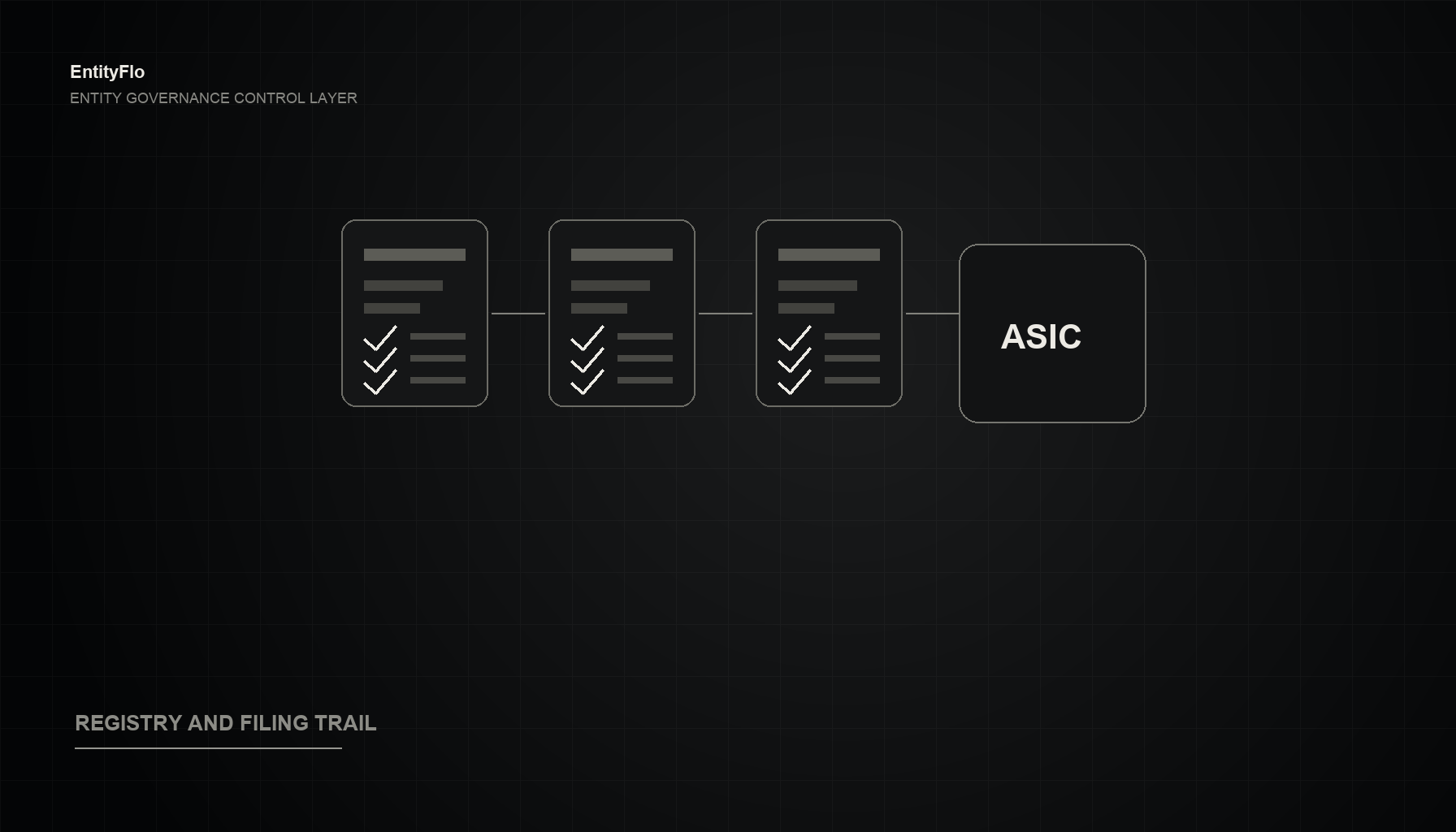
An ASIC annual review checklist helps Australian companies confirm three core obligations after receiving an annual statement: pay the annual review fee, check and update company details, and pass a solvency resolution unless an applicable financial report has been lodged with ASIC in the past 12 months.
For a single company, that may be manageable from a calendar reminder. For a group managing multiple subsidiaries, SPVs, trustee companies or dormant entities, the annual review becomes a recurring governance control point. It is the moment to check whether ASIC records, internal registers, board records, payment evidence and director approvals still line up.
This checklist is written for CFOs, General Counsel, internal Company Secretaries and governance teams that need a repeatable process across a multi-entity group.
This article is general information only, not legal advice.
What Is an ASIC Annual Review?
ASIC sends registered companies an annual statement, usually soon after the anniversary of the company's registration. The statement includes an invoice for the annual review fee and the company details ASIC has on record.
ASIC says companies must then do three things:
- Pay the annual review fee.
- Check the company details on the statement and update them if needed.
- Pass a solvency resolution, unless the company has lodged a financial report with ASIC in the past 12 months.
Source: ASIC company annual review.
For governance teams, the annual review should not be treated as a fee-payment task. It is a structured check of whether the public record, internal records and director evidence remain current.
Why Annual Reviews Become Hard Across a Group
Annual review work becomes harder when responsibility is fragmented.
A common multi-entity setup looks like this:
- Finance pays ASIC invoices.
- Legal or the Company Secretary maintains registers.
- External advisers hold ASIC portal access or act as registered agent.
- Directors approve solvency resolutions by email or circulating resolution.
- Supporting records sit across shared drives, board packs and inboxes.
- Structure charts are maintained separately from company records.
No single step is especially complicated. The risk comes from gaps between steps.
The fee may be paid, but the company details may not have been checked. A solvency resolution may be passed, but saved outside the entity file. A director address change may appear in HR records but not in ASIC records. A dormant SPV may still attract annual obligations because nobody owns the decision to deregister it.
The checklist below turns the annual review from an isolated compliance task into a repeatable governance workflow.
The ASIC Annual Review Checklist
Use this process for each entity, then roll the outputs into a group-level exception report.
1. Confirm the Entity Universe
Before checking annual reviews, confirm the group actually knows which entities are in scope.
For each entity, record:
- Legal name
- ACN
- ABN, if applicable
- Entity type
- Registration date
- Annual review date
- Registered office
- Principal place of business
- Registered agent or contact address
- Internal owner
- External adviser, if relevant
- Status: active, dormant, trustee, SPV, divestment candidate or deregistration candidate
This step matters because annual review failures often start with entity inventory problems. If the group does not maintain a complete entity list, review dates can be missed or assigned to the wrong owner.
Pay special attention to inactive project companies, trustee companies and legacy SPVs. They may still be registered and subject to ongoing obligations.
2. Confirm the Annual Statement Has Been Received
ASIC says annual statements are sent to one address only, using an order of priority that includes the registered agent address, online account, nominated mailing address or registered office.
For each entity, confirm:
- Annual review date
- Annual statement issue status
- Delivery channel
- Recipient address or portal owner
- Person responsible for review
- Whether the annual statement has been saved to the entity record
If the annual statement has not been received within the expected period, check ASIC's guidance. Do not let annual review visibility depend on one inbox or adviser.
3. Pay the Annual Review Fee
ASIC states the annual review fee must be paid by the due date on the annual statement, which is usually two months after the annual review date.
For each entity, capture:
- Invoice amount
- Due date
- Payment owner
- Payment date
- Payment reference
- Receipt or confirmation
- Whether any late fee applies
For a CFO, this is not just accounts payable. The payment record should be tied back to the entity, annual statement and review year.
The group-level control is one view of all annual review invoices, payment status and evidence.
4. Check ASIC Company Details Carefully
ASIC says the annual statement lists details including addresses, share structure, officeholders and members. ASIC also says companies should not wait for the annual review to update details when changes occur. Company details generally need to be updated within 28 days of the change.
Source: ASIC Form 484 guidance.
For each entity, check the ASIC annual statement against internal records for:
- Registered office
- Principal place of business
- Officeholders
- Officeholder names and addresses
- Secretaries, if appointed
- Member or shareholder details where relevant
- Share structure
- Ultimate holding company details, if applicable
- Special purpose company status, if applicable
- Registered agent or contact address
This is where many groups find governance drift. The board decision may have happened, but the ASIC record was not updated. The ASIC record may be current, but the internal register was not updated. The annual review is the right time to detect and resolve those differences.
5. Lodge Required Changes, But Do Not Treat Annual Review as the Only Trigger
If company details are incorrect, determine what needs to be lodged, who approves it and what evidence supports the change.
Common updates include:
- Change of registered office
- Change of principal place of business
- Director or secretary appointment
- Director or secretary cessation
- Officeholder address change
- Member or shareholder changes for proprietary companies
- Share issue, cancellation or transfer details
- Change to share structure
- Change to ultimate holding company
- Change to special purpose company status
For each required update, capture:
- Triggering event
- Effective date
- Approval evidence
- Supporting documents
- Lodgement form or transaction
- Lodgement date
- ASIC confirmation
- Internal register update
ASIC's Form 484 page says the lodging period for relevant changes is within 28 days after the date of change. The annual review should catch missed changes, but it should not be the normal process for discovering them.
6. Prepare and Pass the Solvency Resolution
ASIC says directors must pass a solvency resolution within two months of the annual review date unless the company has lodged a financial report with ASIC in the past 12 months. ASIC also says the directors' opinion should be based on good evidence.
For each entity, confirm:
- Whether a solvency resolution is required
- Annual review date
- Resolution deadline
- Directors responsible
- Financial information or evidence reviewed
- Resolution type: positive, negative or not passed
- Date passed
- Where the resolution is stored
- Whether ASIC notification is required
If directors pass a positive solvency resolution, ASIC says the company must keep a record of it but does not need to notify ASIC. If a negative solvency resolution is passed, or if a solvency resolution is not passed within two months of the annual review date, ASIC says the company must notify ASIC within seven days.
This is a key governance evidence point. A tick in a spreadsheet is not the same as a director resolution supported by appropriate evidence and retained with the company records.
7. Update Internal Registers and Records
Annual review completion should leave the internal record cleaner than it was before.
After paying the fee, checking details and handling solvency, update or verify:
- Register of members or shareholders
- Register of directors and secretaries
- Share or security register
- Officeholder consents and resignation evidence
- Minute books and written resolutions
- ASIC annual statement
- ASIC invoice
- Payment receipt
- Lodgement confirmations
- Supporting documents for any changes
- Group structure chart or ownership map
ASIC's company officeholder guidance notes that secretaries play a role in lodging notices and reports, taking minutes and keeping accurate records. ASIC also states company officeholders are legally responsible for making sure the company complies with the law.
Source: ASIC company officeholders.
The practical control is to connect the annual review event to the records it affects. Do not leave the evidence scattered across email, the ASIC portal and an accounts payable folder.
8. Create a Group-Level Exception Report
For multi-entity groups, the most useful output is not a folder of completed annual reviews. It is an exception report that tells management what needs attention.
Your annual review exception report should show:
- Entities reviewed this period
- Entities with fees unpaid
- Entities with late fees
- Entities with company details requiring updates
- Lodgements completed
- Lodgements still outstanding
- Solvency resolutions passed
- Solvency resolutions pending
- Negative or not-passed solvency resolution issues
- Records or evidence missing
- Dormant or redundant entities for review
- Ownership or structure discrepancies
- Items requiring board, CFO, GC or adviser attention
This is the difference between administration and governance control. The board or executive team does not need every operational detail, but it does need visibility over unresolved risk.
Common Annual Review Mistakes
Treating payment as completion. Paying the ASIC invoice is only one part of the process. Details still need to be checked and solvency still needs to be addressed.
Checking ASIC records without reconciling internal records. The ASIC record and the internal register can diverge. Both need review.
Saving solvency resolutions outside the entity file. If the evidence cannot be found during audit, due diligence or handover, the process is weaker than it looks.
Waiting for annual review to lodge known changes. ASIC guidance is clear that changes should be updated when they occur, not held until the annual review.
No exception report. A group can complete many tasks and still leave management blind to overdue items and missing evidence.
No dormant entity review. Annual review season often reveals entities that still attract cost and obligations even though the business no longer needs them.
What Good Looks Like
A strong annual review process gives the team a clear answer to these questions:
- Which entities have annual reviews due in the next 90 days?
- Who owns each review?
- Has the annual statement been received?
- Has the fee been paid?
- Were ASIC details checked against internal records?
- Were required changes lodged within the required timeframe?
- Was the solvency resolution passed, if required?
- Is the evidence saved against the entity?
- What exceptions need management attention?
If those answers require searching emails, adviser portals and spreadsheets, the group does not yet have a reliable governance system of record.
How EntityFlo Helps
EntityFlo is an Australian governance and entity management platform for teams managing multi-entity groups.
For annual review control, EntityFlo helps bring entity records, obligations, registers, ownership information, documents and evidence into one operating environment. The goal is to give CFOs, General Counsel, Company Secretaries and governance teams a clearer view of what is due, who owns it, what has changed and where the supporting evidence sits.
The annual review is not just an ASIC deadline. It is a recurring test of whether your governance records are current, connected and audit-ready.
Suggested Internal Links
- `/blog/what-is-a-governance-system-of-record` with anchor text: governance system of record
- `/blog/governance-handover-checklist` with anchor text: governance handover checklist
- `/blog/asic-compliance-software-australia` with anchor text: ASIC compliance software
- `/blog/how-to-set-up-a-corporate-register-in-australia` with anchor text: corporate register setup
- `/company-secretary-software-australia/` with anchor text: company secretary software
- `/asic-compliance-software/` with anchor text: ASIC compliance software for Australian groups
- `/corporate-register-software/` with anchor text: corporate register software
FAQ
What is an ASIC annual review?
An ASIC annual review is the yearly process where ASIC sends a company an annual statement and invoice. The company must pay the annual review fee, check its company details and pass a solvency resolution unless an applicable financial report has been lodged with ASIC in the previous 12 months.
What should be included in an ASIC annual review checklist?
An ASIC annual review checklist should include the annual statement, invoice, fee payment, company detail review, required changes, solvency resolution, supporting evidence, internal register updates and exception reporting for unresolved issues.
When is the ASIC annual review fee due?
ASIC says the annual review fee must be paid by the due date on the annual statement, which is usually two months after the annual review date. Always check the date shown on the statement for the specific company.
Do directors need to pass a solvency resolution every year?
ASIC says directors must pass a solvency resolution within two months of the annual review date unless the company has lodged a financial report with ASIC in the past 12 months. The company must keep a record of the resolution.
What happens if a company does not pass a positive solvency resolution?
ASIC says a company must notify ASIC within seven days if directors pass a negative solvency resolution or if a solvency resolution is not passed within two months of the annual review date.
Can company details wait until annual review to be updated?
No. ASIC says companies should not wait for annual review to update company details when changes occur. Relevant changes generally need to be updated within 28 days of the change.
Why is ASIC annual review harder for multi-entity groups?
Multi-entity groups often have staggered review dates, multiple owners, external advisers, dormant entities, SPVs and separate internal registers. Without a central process, fee payment, company detail checks, solvency evidence and lodgement records can become disconnected.